Interactive 3D character experience
Elf on the Shelf
Place a 3D elf into a camera view and explore its actions in this interactive browser experience. See how the character, poses and hand interactions are built.
Opens a dedicated game view. Exit game brings you back here.
About the game
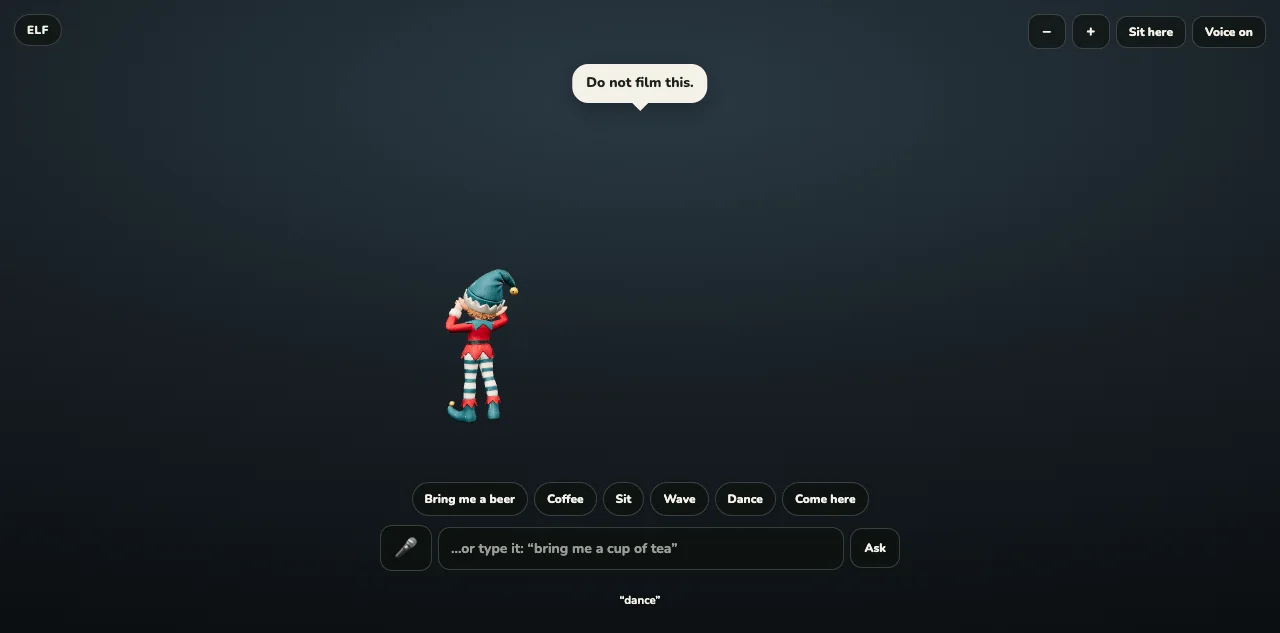
Elf on the Shelf brings a small animated character into the camera view of the world around you. Place the elf, choose an action and watch the character respond in that space.
The experience is built around a character rather than a score. On a supported device, camera and hand interactions make the real surroundings part of the scene. A camera-free option lets you explore the character when camera access is unavailable.
- An animated 3D elf
- Camera and hand interaction
- A camera-free option
How to play Elf on the Shelf
Open the experience and choose whether to enable the camera. Use the on-screen actions and placement controls. Camera and hand features depend on browser support and the permissions you choose to grant.
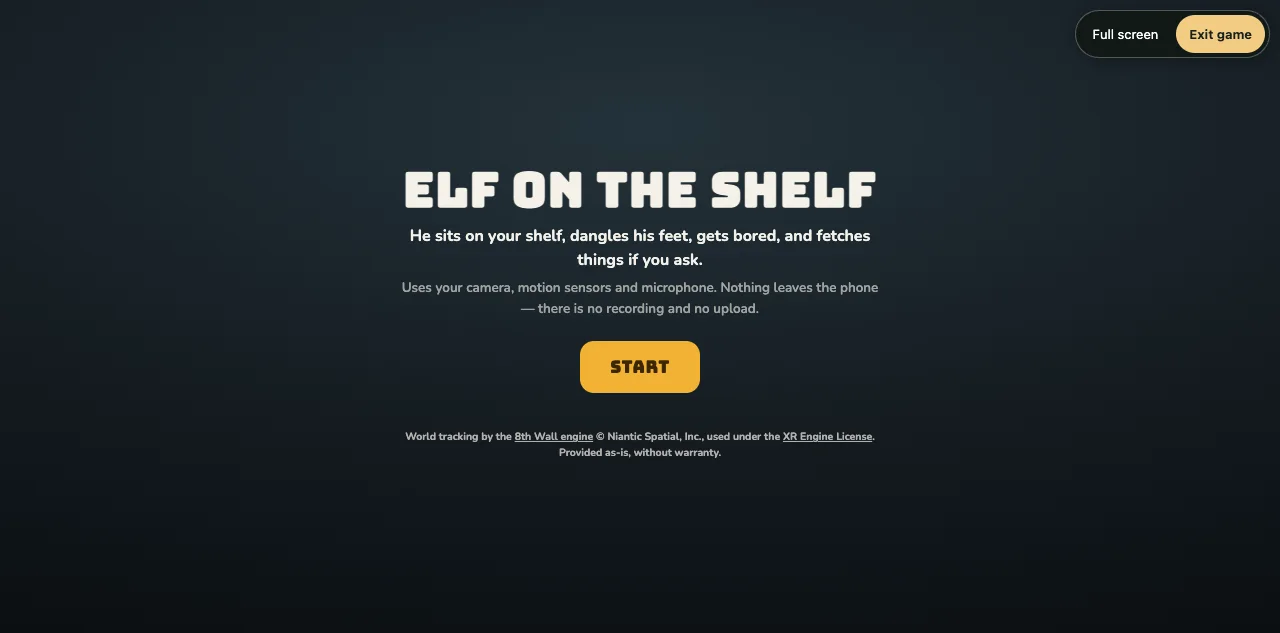
Choose Play to open the game. Use Full screen in the player to hide browser controls where supported, or play with the game filling the window. Exit game returns to this page.
Play nowInside the build
How Elf on the Shelf was made
Three.js renders the elf over the camera feed. The project stores the character model separately from its pose and interaction code, allowing the character’s actions to be developed without replacing the entire scene.
The hand system adds another layer of interaction. Its model and supporting browser libraries are included with the project, while the interface explains when camera access is unavailable. A normal HTTPS page is needed for camera features on a deployed site.
The artwork and the movement serve the same idea: make a small character feel present in an ordinary room. This page presents the working interactive prototype and gives it the same dedicated player and exit controls as the other arcade games.
Screens & artwork
A closer look at the game’s characters, setting and presentation.
Questions about Elf on the Shelf
Do I have to enable the camera?+
No. The experience includes a camera-free option. Camera and hand features need compatible hardware, browser support and the relevant permissions.
Is Elf on the Shelf a score-based game?+
This build is an interactive character experience. Its focus is placing the elf and exploring its actions rather than chasing a score.
More games to explore
Noodles, Cake & Elf
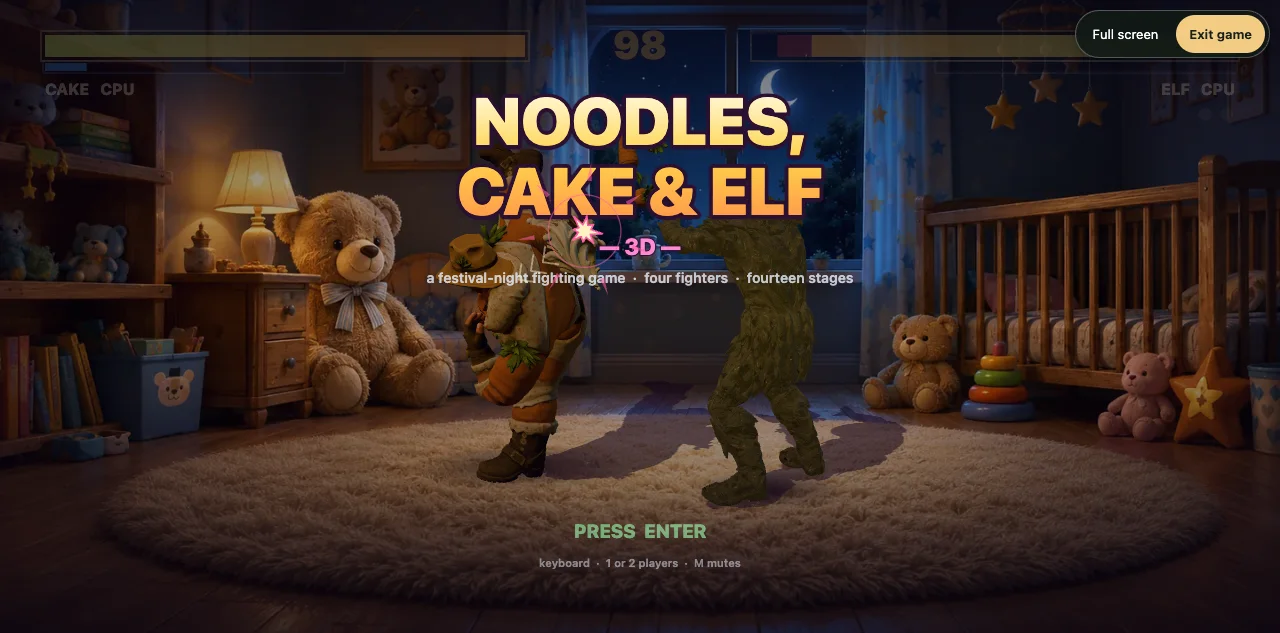
A 3D browser fighting game with four characters, painted stages, jumps, combos and local two-player battles. Explore the build and play Noodles, Cake & Elf.
Golden Hour — World Surf
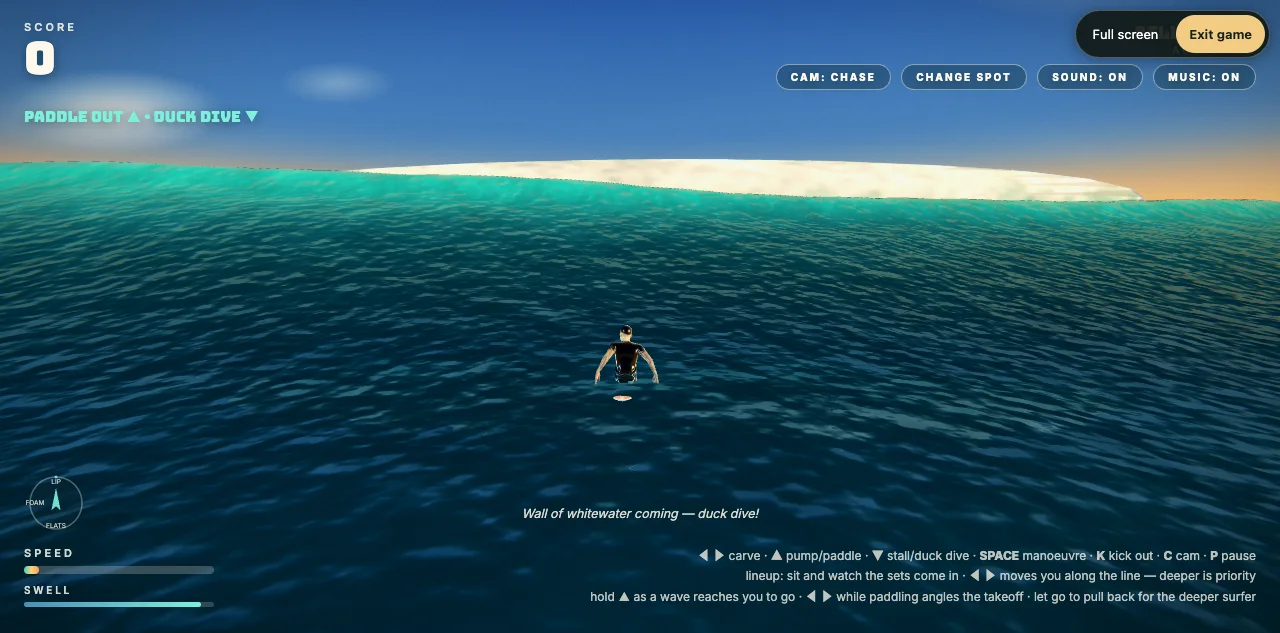
Paddle into moving wave sets, choose a surfer and ride the line in Golden Hour, a Three.js surfing game with touch controls and a living ocean.
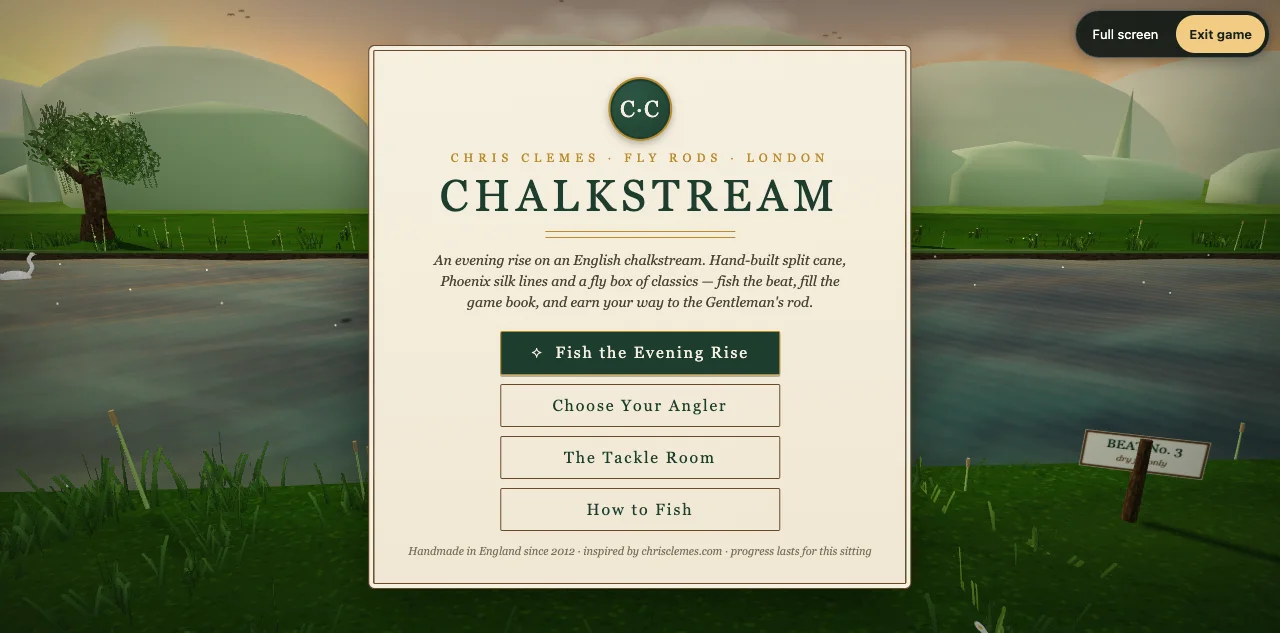
Chalkstream
Cast for rising fish in Chalkstream, a 3D fly-fishing browser game with casting timing, tackle choices and an illustrated sporting atmosphere.